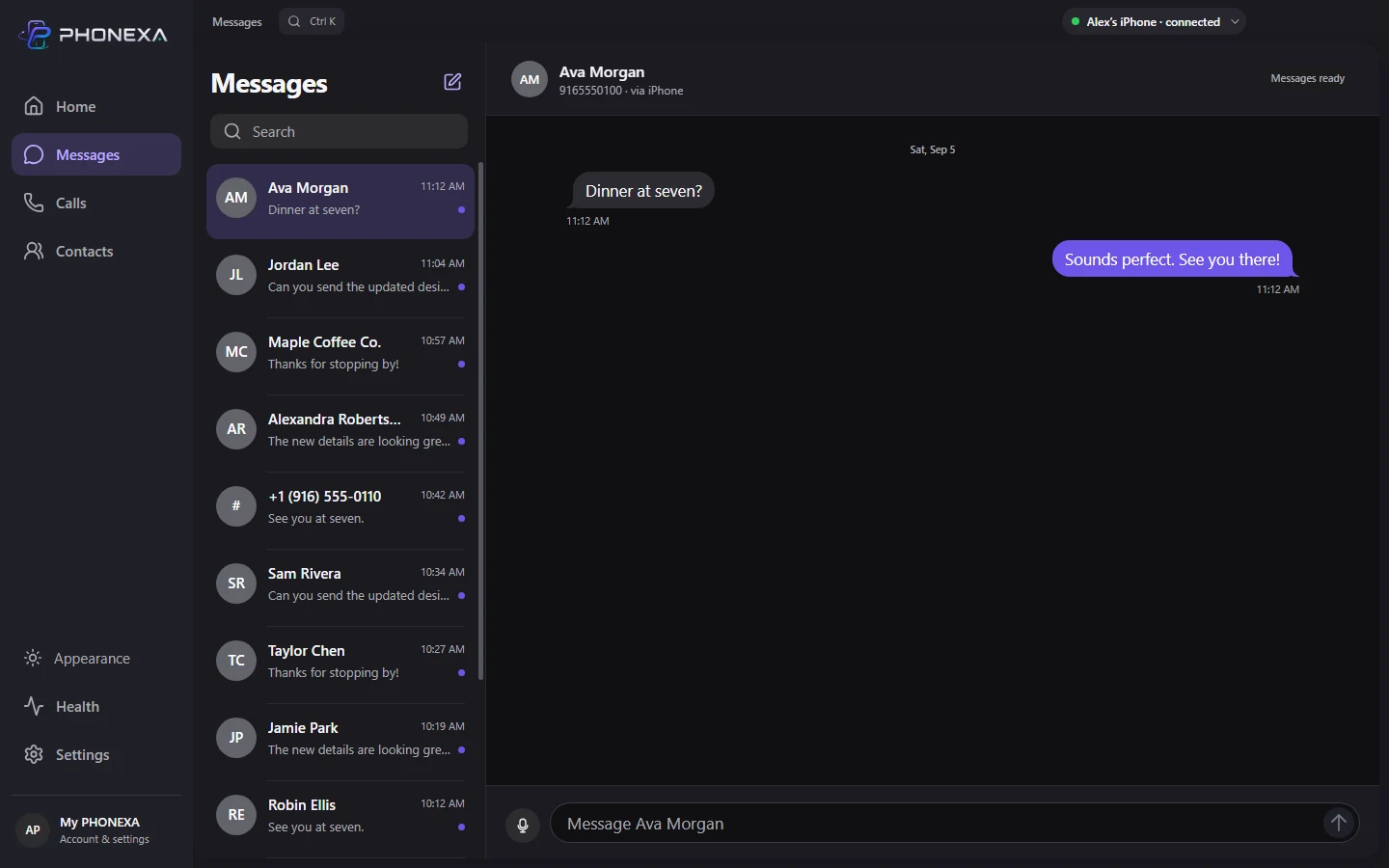
Words, however they come.
Type a reply or dictate it on your PC. Review your words before sending from your iPhone.
Read, reply, and get back to what you were doing. Your iPhone conversations, at home on Windows.
Windows 11 · Bluetooth · License required
One-time purchase. No app subscription.
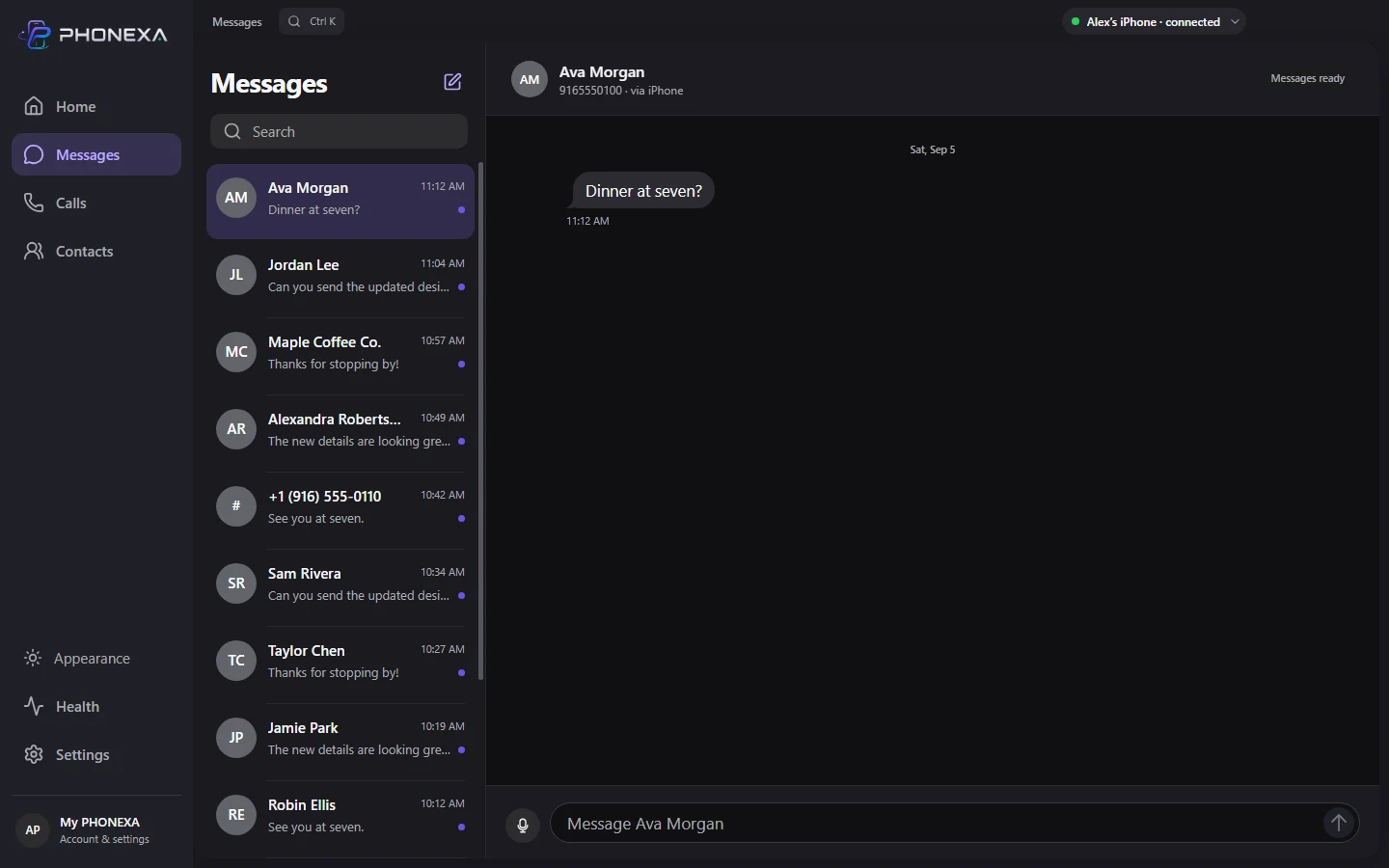
Ava messages you“Dinner at seven?”
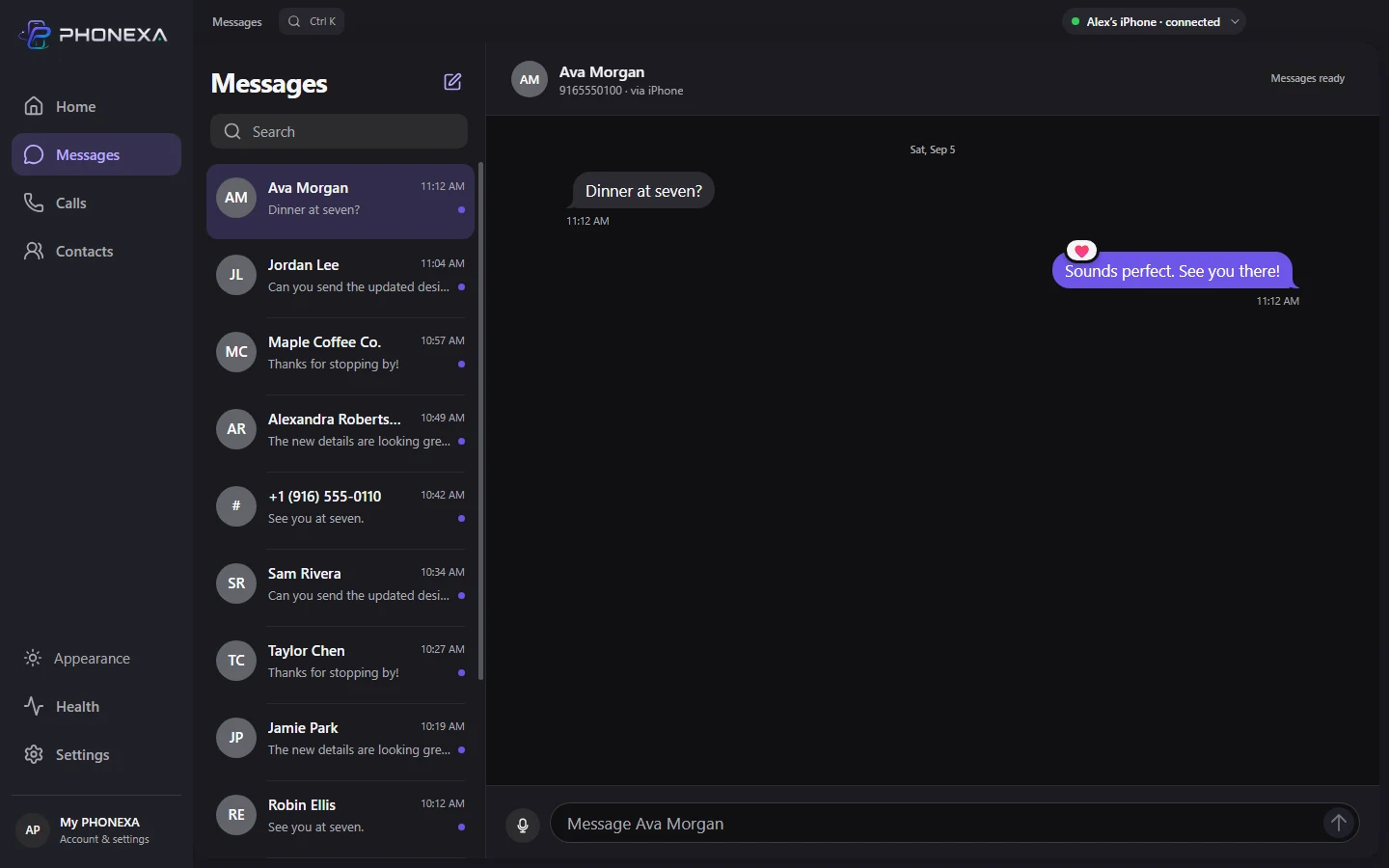
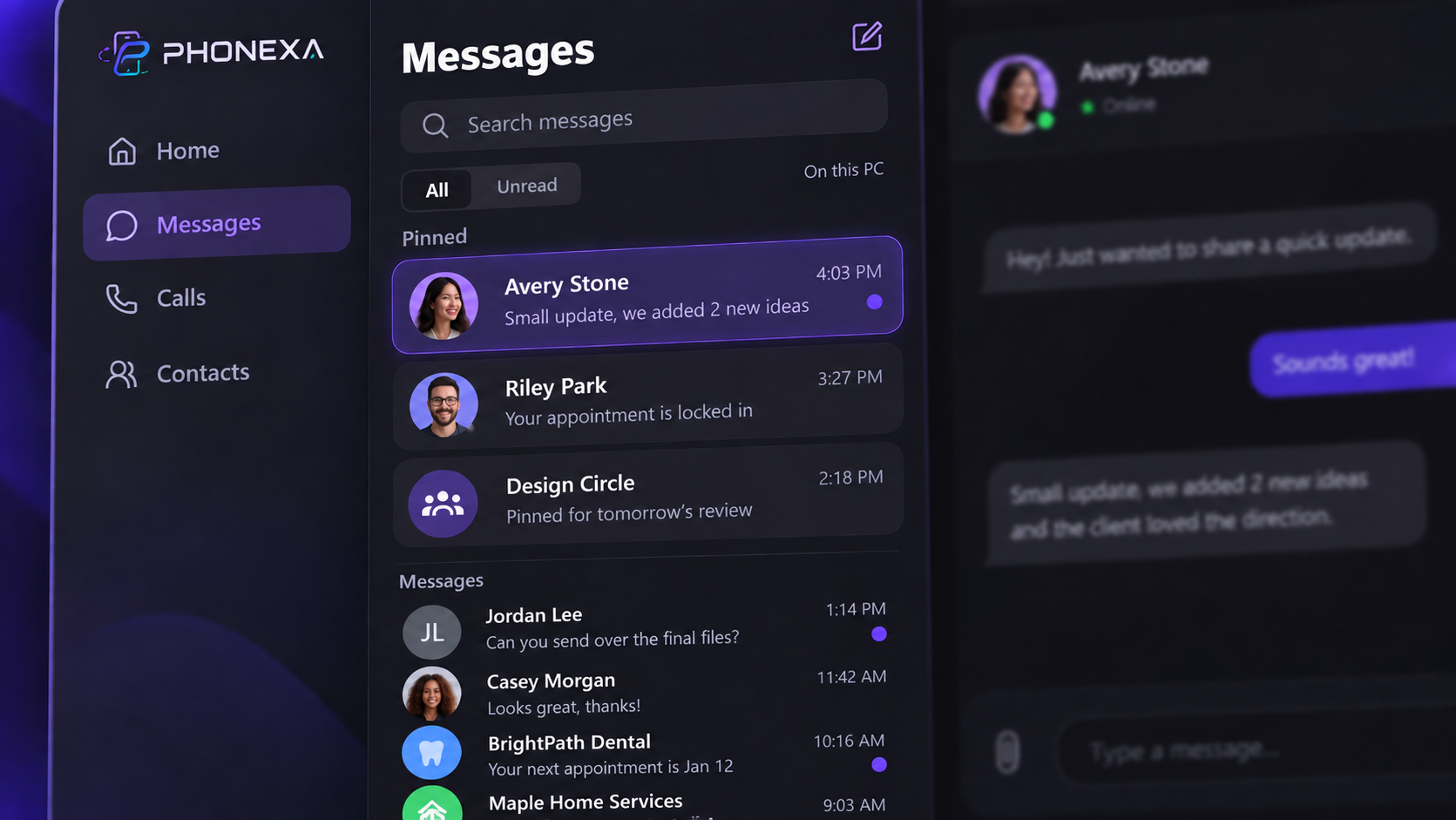
A reply without reaching for your phone. A thought dictated locally. A reaction that lands exactly where it belongs.
Type a reply or dictate it on your PC. Review your words before sending from your iPhone.
Supported iPhone Tapbacks appear on their message bubbles. See who reacted without reading another line of clutter.
Synced conversations and drafts stay encrypted on this Windows PC. No cloud message archive.
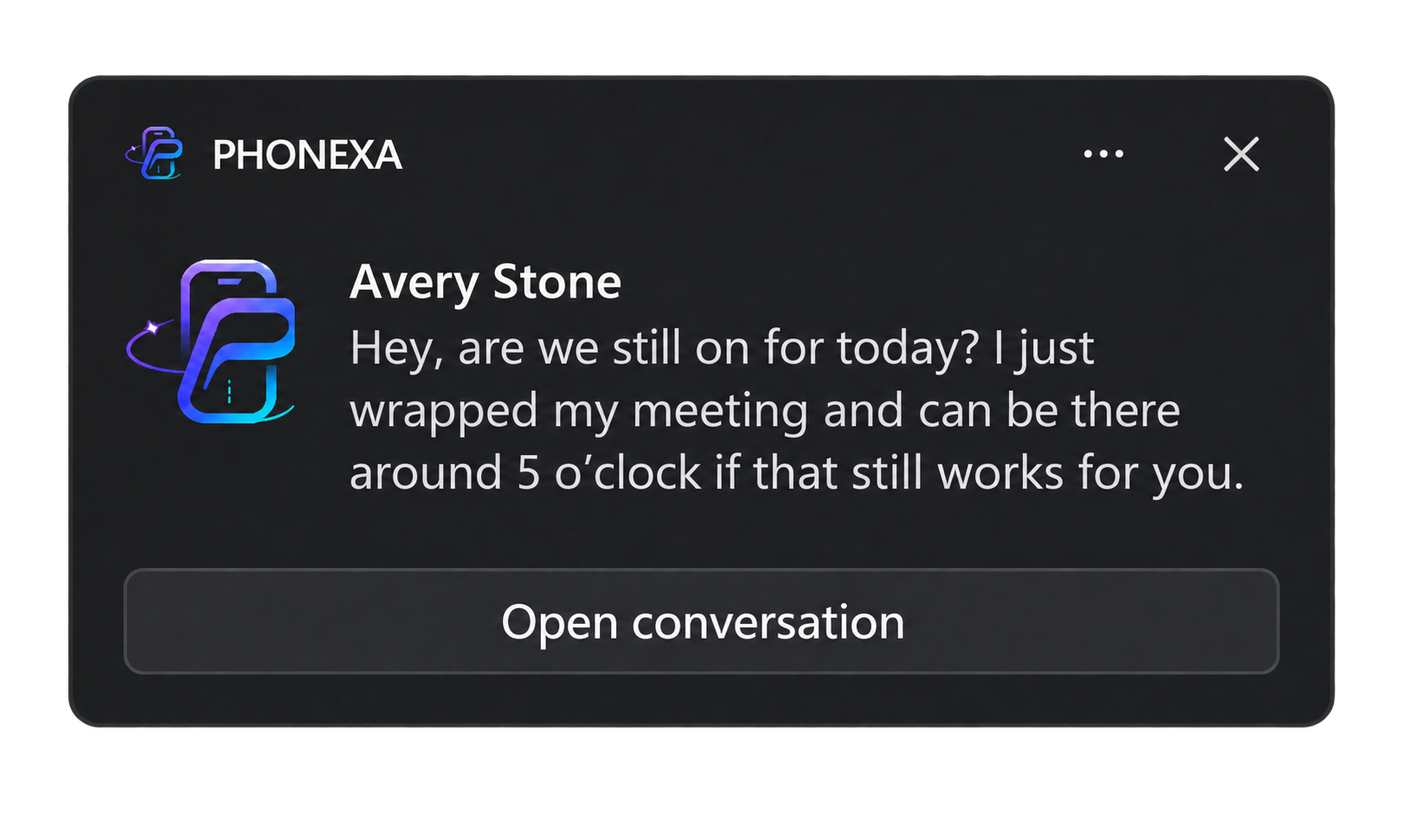
Choose to show the sender and message in your Windows notifications. Open the conversation when you’re ready to reply.
Your choice: message previews are hidden by default. Enable them in PHONEXA Settings.
Pin the conversations you come back to. Your pinned list stays on this PC, ready for the next hello.
Copy a recognized verification code straight from its Windows notification. Then paste it where you need it.
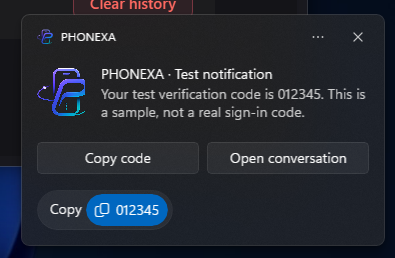
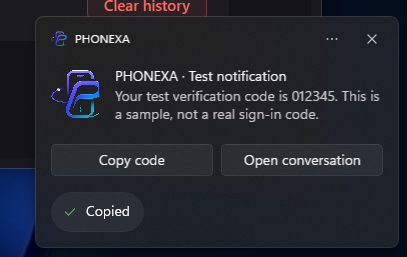
Real Windows notifications, shown with a sample code and message previews enabled. Previews are hidden by default; choose what appears in PHONEXA Settings.
Your phone stays nearby.
Your attention stays on the bigger picture.
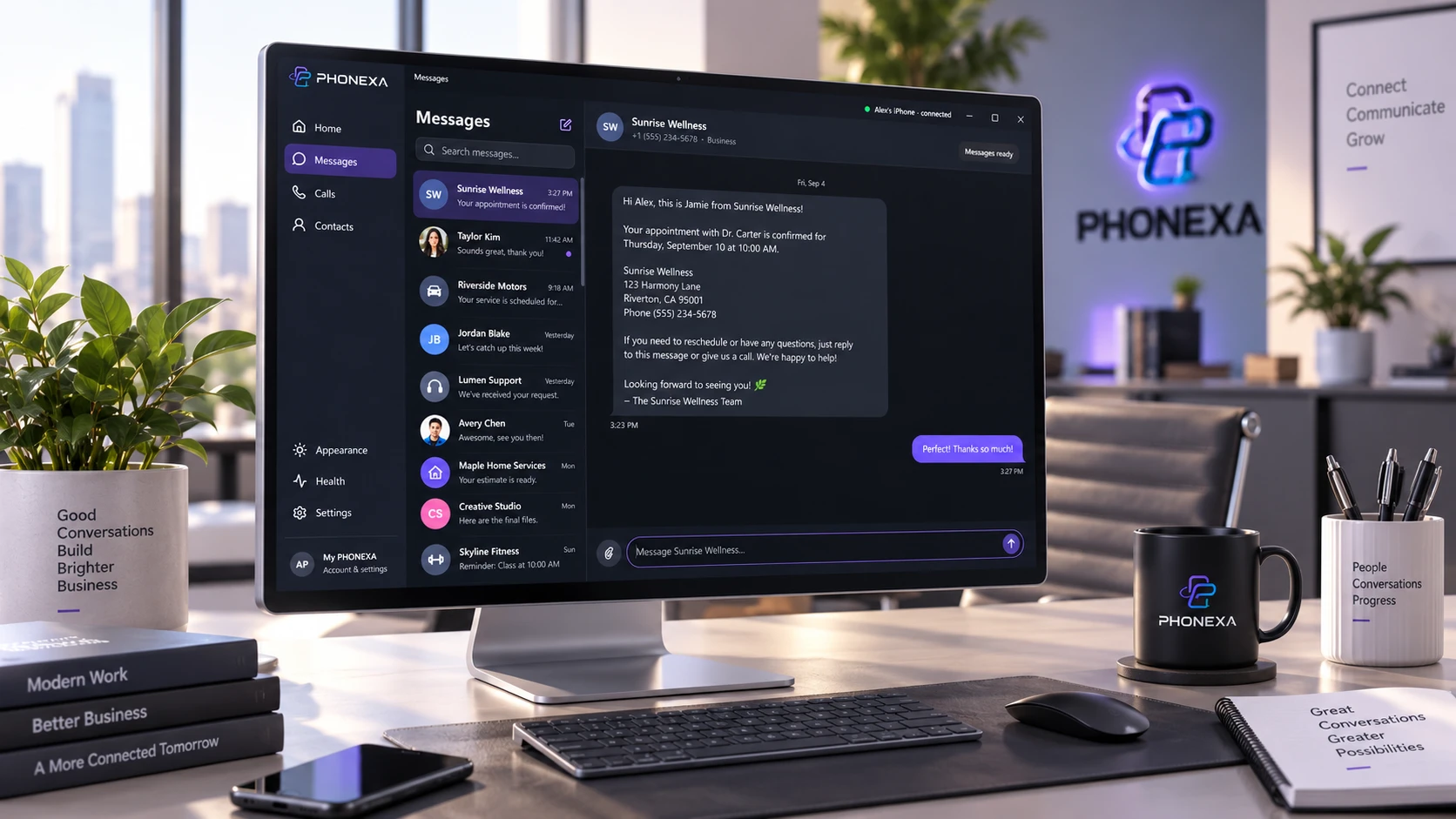
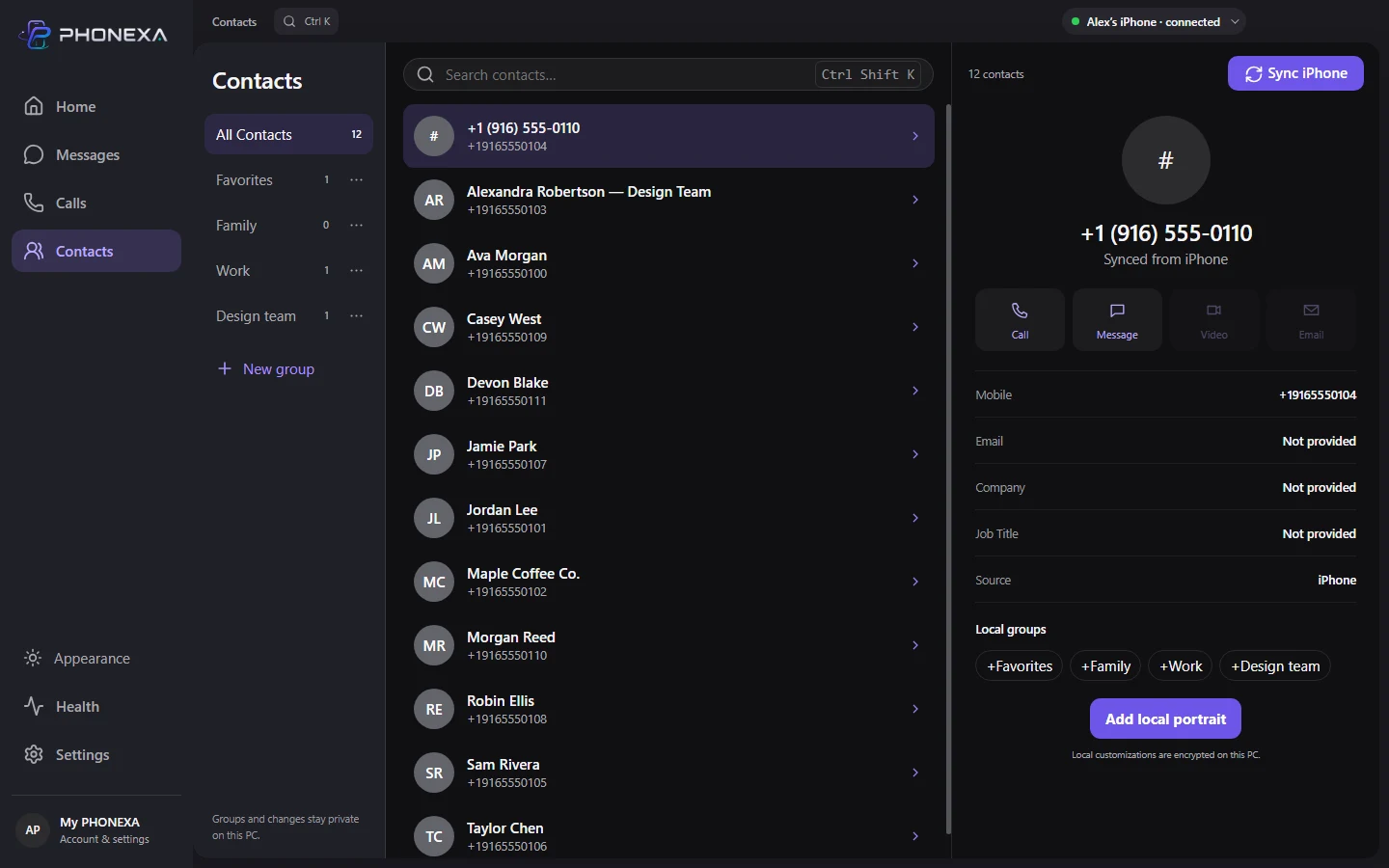
Sync iPhone contacts, find a name, and make your own local groups. Your organization stays on this PC.
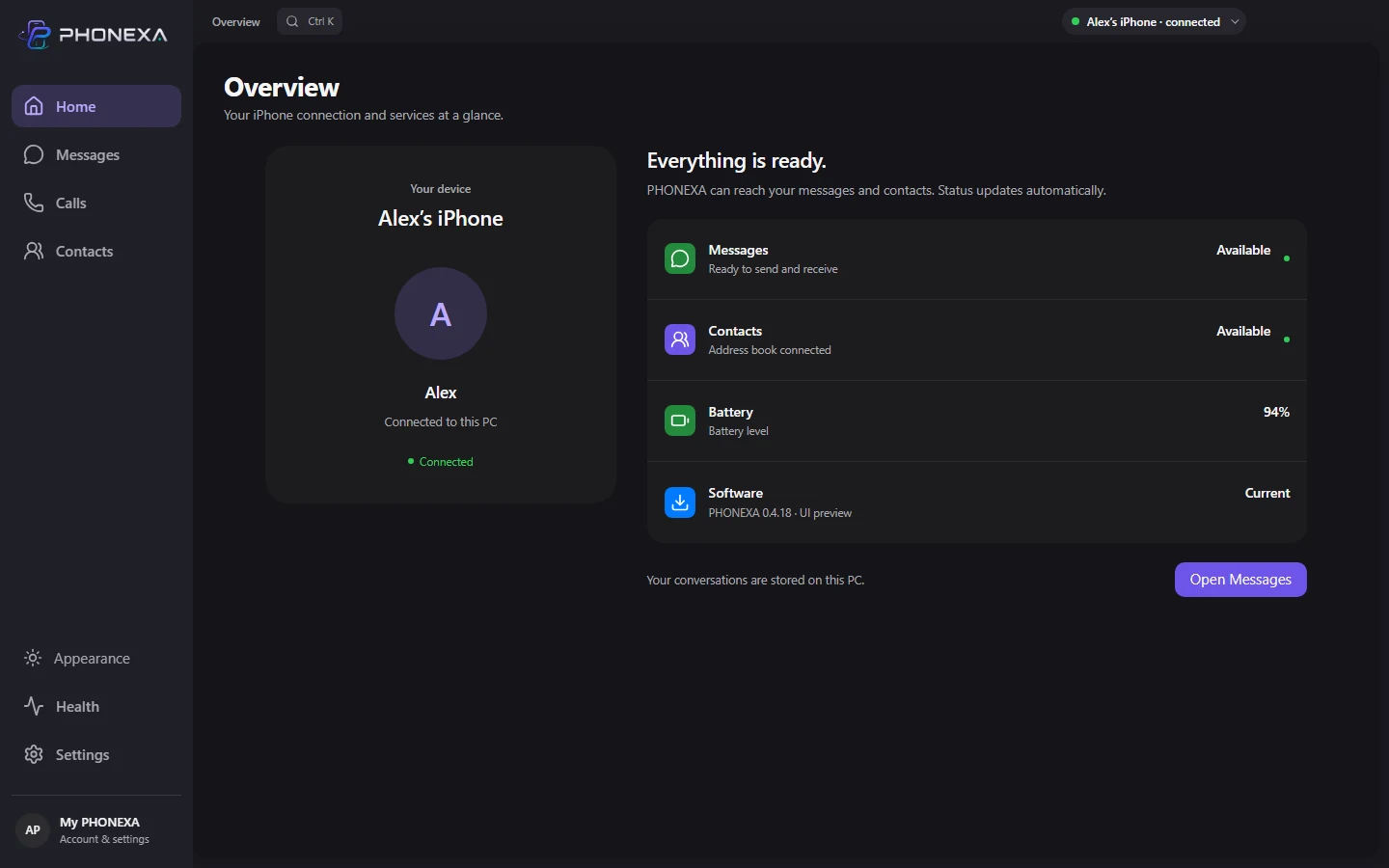
See what Windows and your iPhone actually report for messages, contacts and battery. Find the next step when a service needs attention.
PHONEXA connects directly to a nearby iPhone over Bluetooth. A license is required to use the app.
Full requirements and setupDirect calling is not included yet. The Calls interface is a preview pending Microsoft capability approval. PHONEXA does not promise complete iMessage history or group-message sync.
A perpetual license, without a recurring app subscription. Choose the number of keys you need.
$5one-time
One perpetual key for one installation.
Buy 1 keySecure checkout with Stripe.
$10one-time
For your computers, family, or team.
Buy 3 keysSecure checkout with Stripe.
Requires a compatible Windows 11 PC and paired iPhone. Replacing a PC? Contact support to review the existing activation. Refund policy.
No. Synced messages, contacts, drafts and local portraits stay encrypted on your Windows PC.
Pair your phone and PC in Bluetooth settings. On the iPhone, open the details for this PC and enable Show Notifications and Sync Contacts. Then let PHONEXA check each service. Read the setup guide.
No. PHONEXA connects independently. Phone Link may compete for the same iPhone message service; if messages stop while both apps are open, close Phone Link and retry in PHONEXA.
Not yet. Direct calling is unavailable while the required Microsoft capability approval is pending. The Calls interface is a preview.
Need a hand? Contact PHONEXA support